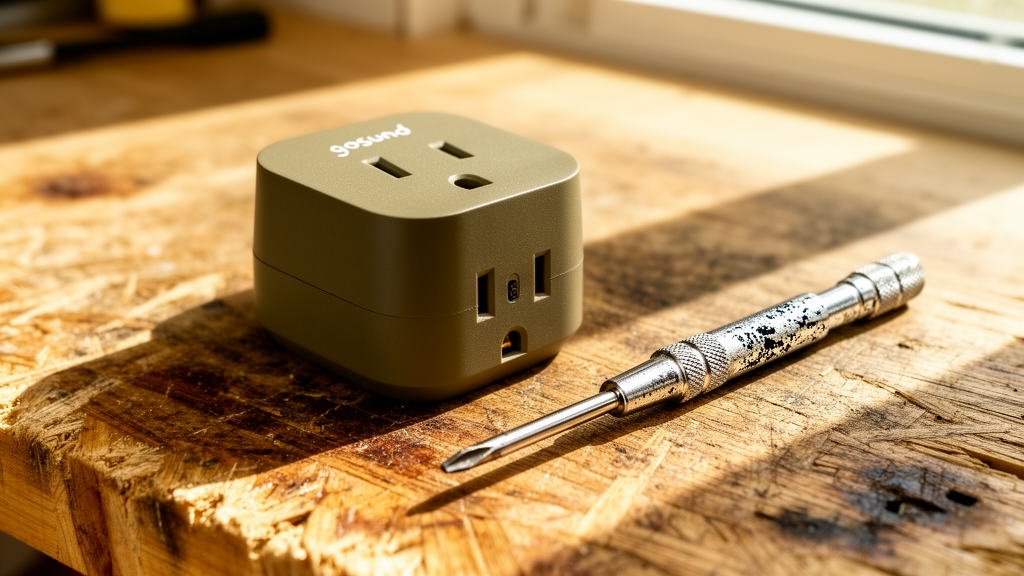
Gosund Smart Plug Won’t Connect to Wi-Fi: The Definitive Troubleshooting Guide
Estimated reading time: 8 minutes.
The 2-Minute Quick Check:
- Verify Frequency: Ensure your smartphone is connected to a 2.4GHz Wi-Fi network, not 5GHz.
- Check Router Distance: Move the plug within 10 feet of your router during the initial setup process.
- Toggle Bluetooth: Turn on Bluetooth on your phone; many modern Gosund plugs use it for the initial handshake.
- Power Cycle: Unplug the smart plug, wait 30 seconds, and plug it back in to clear the cache.
Table of Contents
- Root Causes: Why Your Smart Plug Fails to Sync
- Step-by-Step Troubleshooting
- Troubleshooting Data: LED Status Indicators
- Recommended Video Fix
- Frequently Asked Questions
You bought a Gosund smart plug to simplify your life, not to spend your Saturday evening staring at a blinking LED. When your gosund smart plug won’t connect to wifi, it usually isn’t a hardware failure. It is almost always a handshake issue between the plug’s low-power Wi-Fi radio and your modern, high-speed router. Most smart home devices operate on the 2.4GHz band because it offers better range and wall penetration than 5GHz, but modern routers often try to “steer” devices to the faster band, causing the connection to drop or fail entirely.
This guide cuts through the noise. We are going to isolate the network variables, reset the device firmware, and get your smart home back online.
Root Causes: Why Your Smart Plug Fails to Sync
To fix the problem, you have to understand the architecture. Gosund plugs utilize an ESP8266 or similar Wi-Fi SoC (System on a Chip). These chips are designed for extreme efficiency, not high-bandwidth data. When you initiate the pairing process, the plug enters “AP Mode” (Access Point Mode), broadcasting its own temporary Wi-Fi signal. Your phone connects to this signal to pass your home Wi-Fi credentials to the plug.
The failure occurs when your phone refuses to stay connected to the plug’s weak AP signal because it detects “no internet” on that network, or when your router’s firewall blocks the plug from registering on the cloud server. If you are interested in how these protocols work at a deeper level, CNET’s guide on smart home networking provides excellent context on signal interference.
Step-by-Step Troubleshooting
1. The 2.4GHz vs. 5GHz Conflict
This is the number one reason a gosund smart plug won’t connect to wifi. If your router uses “Band Steering”—where it combines 2.4GHz and 5GHz into one SSID—the plug will get confused.
- Log into your router’s admin panel.
- Temporarily disable the 5GHz band.
- Attempt the pairing process again.
- Once the plug is connected, you can re-enable the 5GHz band.
2. Hard Reset the Device
If the plug was previously connected to another network, it will hold onto those credentials. You must force a factory reset.
- Plug the device into a wall outlet.
- Press and hold the power button for 5 to 10 seconds.
- Watch the LED indicator. It should begin flashing rapidly (or change color, depending on the model). This indicates it is ready for pairing.
Technician’s Pro-Tip: If the LED is flashing slowly, you are in “AP Mode.” If it is flashing rapidly, you are in “EZ Mode.” If one mode fails, try the other. You can toggle between these modes by holding the power button for another 5 seconds.
3. App Permissions and Bluetooth
Modern versions of the Gosund app (or Smart Life/Tuya) require location permissions to scan for nearby Wi-Fi networks. If you denied these permissions, the app cannot “see” the plug. Ensure Bluetooth is enabled on your phone, as the app uses it to discover the device before handing off the Wi-Fi credentials.
4. Check for Firmware and Router Compatibility
Sometimes, the issue isn’t the plug, but the router’s security settings. WPA3 encryption is becoming standard, but many older IoT devices only support WPA2. Check your router settings to ensure you are using WPA2-PSK (AES) encryption. For more on how wireless standards affect connectivity, refer to iFixit’s Wi-Fi troubleshooting documentation.
If you are looking to expand your smart home beyond just plugs, check out our comprehensive smart security camera reviews to ensure your network can handle multiple devices.
Troubleshooting Data: LED Status Indicators
| LED Status | Meaning | Action Required |
|---|---|---|
| Solid Blue/Green | Connected to Wi-Fi | None (Device is working) |
| Rapid Flashing | EZ Mode (Ready to pair) | Open app and add device |
| Slow Flashing | AP Mode (Ready to pair) | Connect phone to “SmartLife-XXXX” Wi-Fi |
| No Light | No Power/Dead | Check outlet or internal fuse |
Recommended Video Fix
Frequently Asked Questions
Why does my Gosund smart plug keep disconnecting?
This is usually due to signal interference or a weak Wi-Fi signal. If the plug is behind a heavy appliance or far from the router, the connection will drop. Try moving it closer to the router to see if the stability improves.
Can I use a Gosund plug on a 5GHz network?
No. Gosund smart plugs are strictly 2.4GHz devices. They do not have the hardware to communicate on the 5GHz frequency band.
What if the Gosund smart plug won’t connect to wifi even after a reset?
If you have tried both EZ and AP modes and verified your 2.4GHz network, the internal Wi-Fi module may be defective. Check if the device is still under warranty, or consider replacing the unit if it is more than two years old.
Related Topics: Gosund, Smart Plug, Wi-Fi Troubleshooting