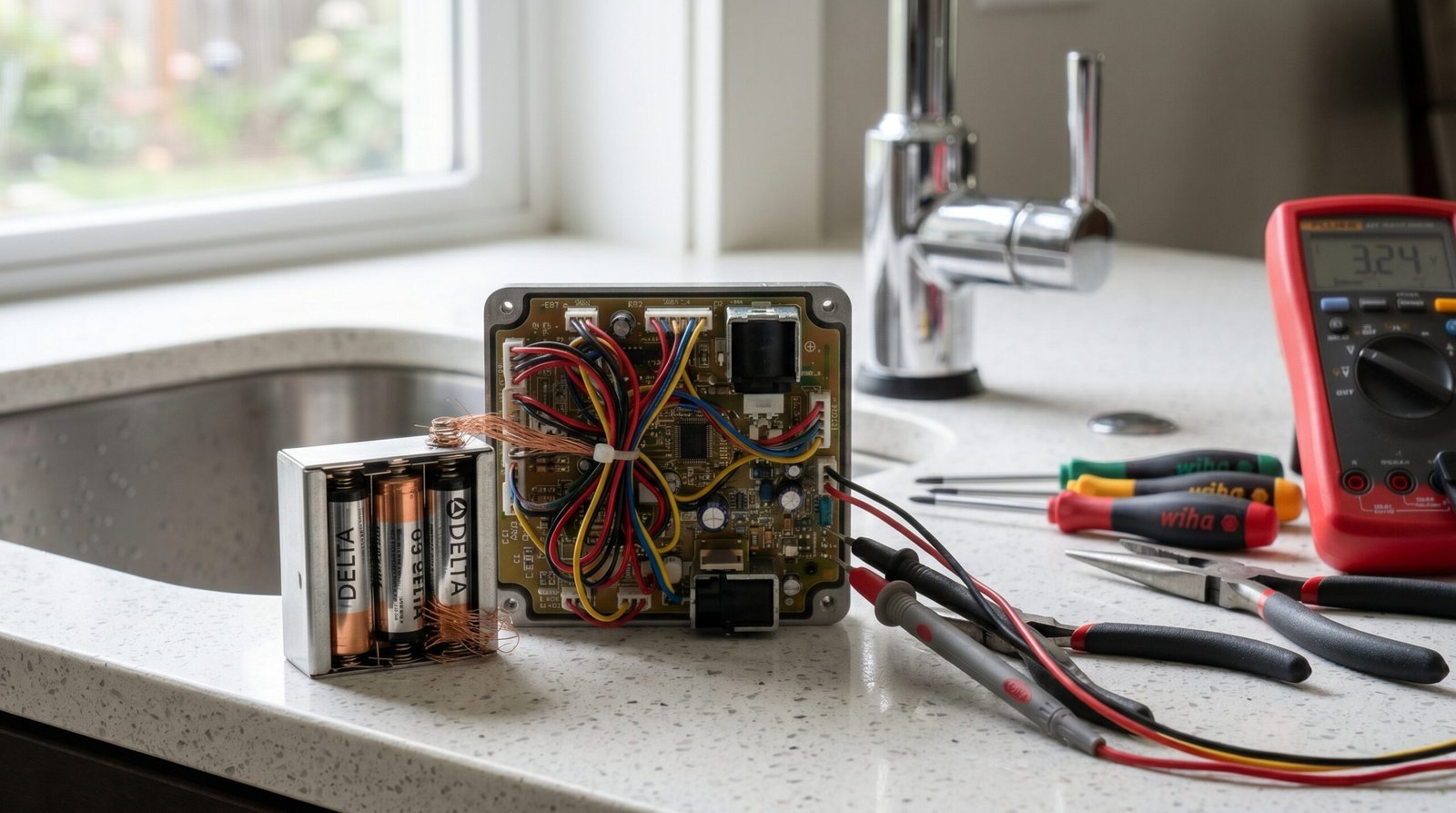
Delta Touch Faucet Not Working: The Definitive Repair Guide
Estimated reading time: 12 minutes.
- Check the Battery Pack: Ensure the AA batteries are fresh and the battery pack cable is firmly seated in the solenoid control box.
- Verify the LED Indicator: Look under the sink at the solenoid box. A flashing red light usually indicates low battery voltage.
- Check for Obstructions: Ensure no metal objects (pots, pans, or cleaning supplies) are touching the faucet body or the solenoid box, as this interferes with the capacitive sensor.
- Perform a Hard Reset: Disconnect the battery pack for 60 seconds, then reconnect to force the solenoid to recalibrate its position.
Table of Contents
- Root Causes: Why Your Smart Faucet Fails
- Step-by-Step Troubleshooting
- Recommended Video Fix
- Frequently Asked Questions
You walk up to your sink, tap the spout, and nothing happens. The convenience of a smart faucet is undeniable until it becomes a static piece of metal. When you find your delta touch faucet not working, the issue is rarely a total hardware failure. It is almost always a breakdown in the capacitive sensing circuit, a power delivery issue, or a localized electromagnetic interference problem.
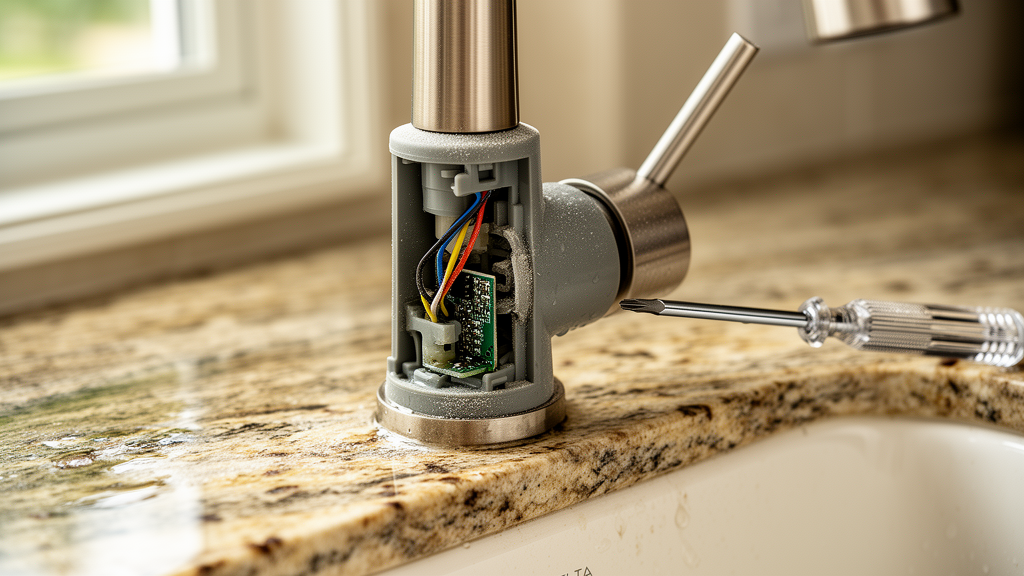
As a technician, I see homeowners replace perfectly functional faucets because they assume the solenoid is dead. In reality, these systems are robust but sensitive to environmental variables. This guide breaks down the technical architecture of your Delta Touch2O system and provides the exact steps to restore functionality without calling a plumber.
Root Causes: Why Your Smart Faucet Fails
To fix the problem, you must understand how the system operates. Delta Touch2O technology relies on a capacitive sensor. The faucet body acts as an antenna. When you touch it, your body’s natural electrical capacitance changes the frequency of the sensor, which sends a signal to the solenoid valve to open or close. If your delta touch faucet not working, the failure point is usually one of three things:
- Capacitive Grounding Issues: If the faucet is not properly grounded to the sink or if the plastic mounting hardware is preventing a clean signal, the sensor cannot detect your touch.
- Solenoid Valve Stiction: Over time, mineral deposits (calcium/limescale) can build up inside the solenoid valve, causing the internal plunger to stick.
- Power Delivery Instability: Smart faucets require a consistent voltage. If your batteries are at 1.2V instead of 1.5V, the solenoid may lack the magnetic force required to actuate the valve.
For a deeper understanding of how these low-voltage electronic components interact with household plumbing, refer to this guide on troubleshooting electronic components.
Step-by-Step Troubleshooting
1. The Power Cycle and Battery Inspection
The most common culprit is the battery pack. Even if the batteries aren’t dead, they may not be providing the necessary amperage. Remove the battery pack from under the sink. Inspect the terminals for corrosion—a common issue in humid under-sink environments. Clean any white or green residue with a mixture of vinegar and water, then dry thoroughly. Replace with high-quality alkaline batteries. Do not use rechargeable batteries, as their voltage curve differs from standard alkaline cells.
2. Inspecting the Solenoid and Cable Connections
Trace the cable from the faucet body to the solenoid box. Ensure the connection is “clicked” in securely. If the cable is pinched or frayed, the signal will be lost. If you have other smart home devices nearby, check our comprehensive smart home troubleshooting hub for tips on managing cable clutter and interference.
Technician’s Pro-Tip: If the faucet works manually but not via touch, the issue is almost certainly the capacitive sensor wire. Ensure the plastic clip that isolates the faucet from the sink is installed correctly. If the faucet body touches the metal sink directly, it creates a “ground loop” that blinds the sensor.
3. Cleaning the Solenoid Valve
If the faucet makes a clicking sound but no water flows, the solenoid is likely jammed. Turn off the water supply valves under the sink. Disconnect the solenoid from the water lines. Use a small pick to gently remove the screen filter inside the inlet. Rinse it under running water to remove sediment. If the solenoid still fails to actuate, the internal diaphragm may be calcified. You can often purchase a replacement solenoid cartridge rather than replacing the entire faucet.
4. Addressing Electromagnetic Interference (EMI)
Smart faucets are sensitive to EMI. If you have a high-powered appliance or a poorly shielded power supply plugged into the same outlet as your faucet’s optional AC adapter, it can cause erratic behavior. Ensure the faucet’s control box is at least 6 inches away from any other electrical wiring or metal pipes.
| LED Status | Meaning | Required Action |
|---|---|---|
| Solid Blue | Normal Operation | None |
| Flashing Red | Low Battery | Replace all AA batteries |
| Solid Red | Solenoid Error | Reset power; check for debris |
| No Light | No Power | Check battery pack connection |
Advanced Diagnostics: When to Call a Pro
If you have verified the power, cleaned the solenoid, and ensured there is no grounding interference, the issue may lie within the faucet’s internal control board. This is a sealed unit. Unlike standard plumbing, you cannot repair the circuit board itself. If the board is fried—often due to a power surge—you will need to contact the manufacturer for a warranty replacement. For more context on the lifespan of smart home electronics, see this report on smart home device longevity.
Recommended Video Fix
Frequently Asked Questions
Why does my Delta faucet turn on by itself?
This is usually caused by “ghost touches.” It happens when the faucet is too sensitive or when there is a grounding issue. Ensure the faucet body is not touching any metal objects and that the mounting hardware is tight. If the problem persists, check the battery levels; low voltage can cause the sensor to behave erratically.
Can I use an AC adapter instead of batteries?
Yes, Delta offers an optional AC adapter for most Touch2O models. This is highly recommended if you use the faucet frequently, as it eliminates the need for battery maintenance and provides a more stable voltage to the solenoid.
Is my delta touch faucet not working because of the Wi-Fi?
Most standard Delta Touch2O faucets are not Wi-Fi enabled; they use local capacitive sensing. If you have a “VoiceIQ” enabled faucet, then yes, Wi-Fi connectivity matters. If your VoiceIQ is failing, ensure your router is broadcasting a 2.4GHz signal, as these modules often struggle with 5GHz networks.
Conclusion
Fixing a delta touch faucet not working is a manageable task if you approach it systematically. By isolating the power supply, checking for grounding interference, and cleaning the solenoid valve, you can resolve the vast majority of failures. Do not rush to replace the hardware until you have performed these diagnostic steps. Most of the time, your faucet is simply suffering from a minor power or environmental issue that can be corrected in under an hour.
Related Topics: Delta Touch2O, Smart Faucet, Plumbing Repair