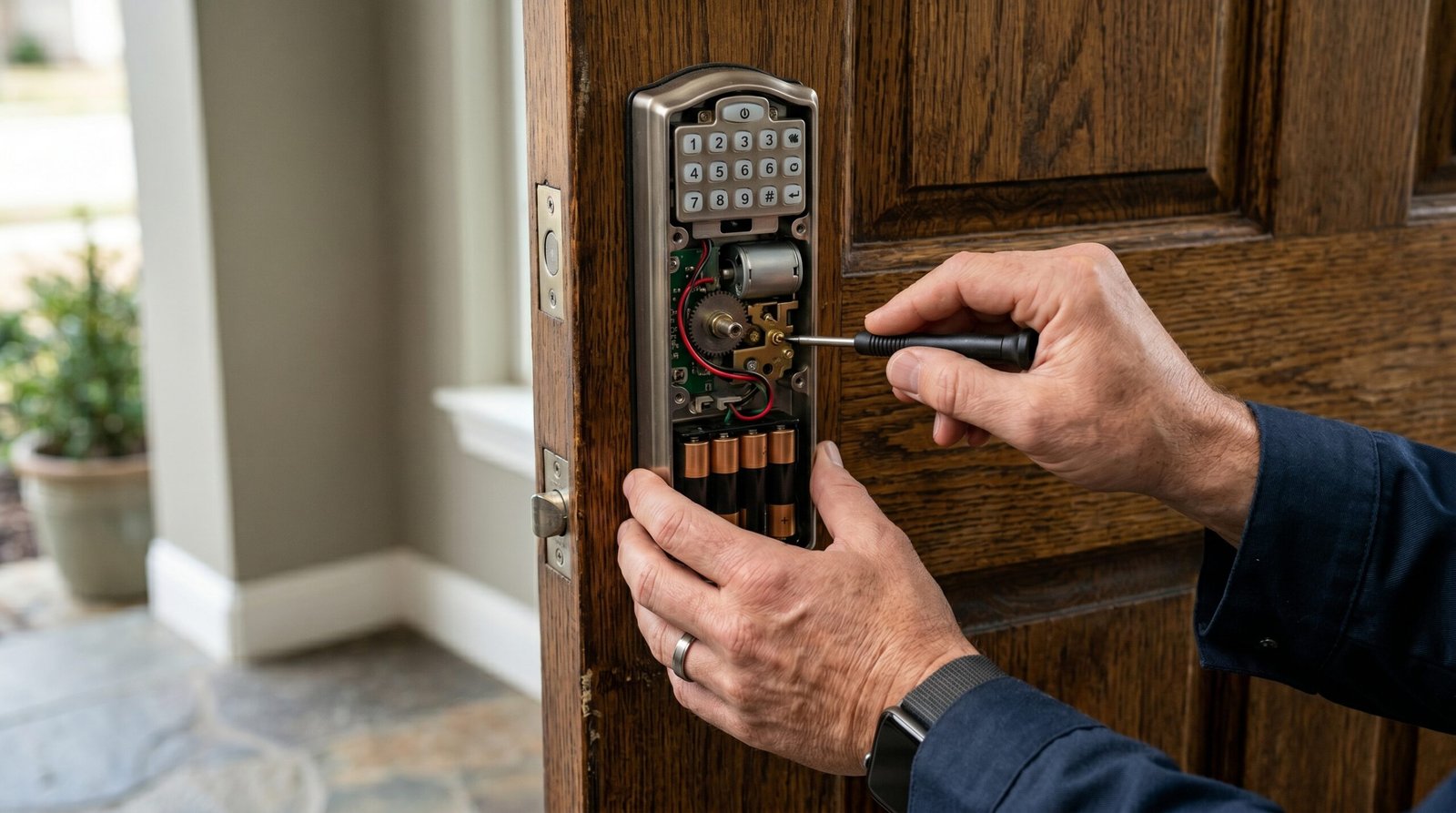
Schlage Smart Lock Not Working: The Definitive Troubleshooting Guide
Estimated reading time: 12 minutes.
The 2-Minute Quick Check:
- Check the batteries: Replace them with high-quality, non-rechargeable alkaline batteries. Low voltage is the #1 cause of mechanical failure.
- Verify the deadbolt alignment: Ensure the bolt moves freely in the strike plate without friction. If the door is sagging, the motor will stall.
- Power cycle your network: If your lock is Wi-Fi enabled, reboot your router to clear IP address conflicts.
- Check the Schlage Home app: Look for a “Low Battery” or “Jammed” status notification.
Table of Contents
- The 2-Minute Quick Check
- Root Causes: Why Your Lock is Failing
- Step-by-Step Troubleshooting
- Recommended Video Fix
- Frequently Asked Questions
- Conclusion
There is nothing more frustrating than standing on your own porch, keyless and locked out, because your Schlage smart lock not working as intended. Whether it is a dead keypad, a motor that whirs but refuses to throw the bolt, or a complete loss of connectivity, these devices are complex electromechanical systems. They sit at the intersection of physical security and wireless networking, meaning there are two distinct failure points: the hardware and the firmware/network layer.
As a technician, I have seen thousands of these units. Most homeowners assume the lock is “broken” when, in reality, it is simply misaligned or suffering from a voltage drop. This guide will walk you through the diagnostic process to identify exactly why your lock is failing and how to restore it to factory-perfect operation.
Root Causes: Why Your Lock is Failing
To fix a Schlage smart lock not working, you must first understand the architecture. These locks use a high-torque motor to move a deadbolt. If the door frame has shifted due to seasonal humidity or foundation settling, the deadbolt will experience friction. The motor detects this resistance as an obstruction and triggers a “jam” error to prevent burning out the internal gears. This is a safety feature, not a defect.
On the software side, connectivity issues usually stem from the 2.4GHz spectrum. Smart locks operate on low-power protocols like Z-Wave, Zigbee, or Wi-Fi. If your router is broadcasting on a crowded channel or if the signal is being blocked by metal door frames or thick insulation, the lock will drop off the network. For a deeper look at how these wireless signals interact with your home environment, check out this guide on smart home connectivity standards.
Step-by-Step Troubleshooting
1. The Mechanical Audit
Before touching the software, verify the physical installation. A smart lock is only as good as the hole it is mounted in. If the deadbolt is rubbing against the strike plate, the motor will fail every time.
- Open the door and extend the deadbolt manually using the thumb turn.
- Observe the movement. Does it slide smoothly, or does it feel gritty?
- Check the strike plate. If you see metal shavings or wear marks, the bolt is misaligned. Use a file to widen the strike plate hole slightly.
Technician’s Pro-Tip: Always perform a “door swing test.” With the door open, lock and unlock the device. If it works perfectly while open but fails when closed, your issue is 100% mechanical alignment, not a faulty lock.
2. Voltage and Power Management
Smart locks are extremely sensitive to voltage drops. Even if your batteries show 30% in the app, they may not provide the “in-rush current” required to move the deadbolt under load. Always use fresh, high-quality alkaline batteries. Avoid lithium-ion rechargeables unless specifically rated for high-drain smart locks, as their voltage discharge curve differs from standard alkaline cells. For more on battery chemistry and longevity, refer to battery maintenance standards.
3. Network and Firmware Reset
If your Schlage smart lock not working involves the app or remote access, you need to address the communication module. If you are struggling with integration, browse our comprehensive smart lock troubleshooting hub for device-specific pairing instructions.
- Soft Reset: Remove the battery pack for 30 seconds, then reinsert it. This forces the lock to re-initialize its firmware.
- Network Re-pairing: If the lock is Z-Wave or Zigbee, you may need to “exclude” the device from your hub and re-add it.
- Firmware Update: Check the Schlage Home app for pending updates. A lock running outdated firmware will often lose its handshake with the cloud.
| LED Indicator Color | Meaning | Required Action |
|---|---|---|
| Solid Red | Jammed / Obstruction | Check strike plate alignment. |
| Blinking Red | Low Battery | Replace with fresh alkaline batteries. |
| Amber/Yellow | Programming Mode | Wait for sequence to finish. |
| No Light | Dead Power | Check battery orientation/contacts. |
Recommended Video Fix
Frequently Asked Questions
Why does my Schlage lock show “Jammed” even when the door is open?
This usually indicates a failure of the internal hall-effect sensor or a stripped gear. If the lock is out of warranty, you may need to replace the internal chassis. Ensure the thumb turn is not loose.
Can I use rechargeable batteries in my Schlage lock?
Most Schlage models are designed for 1.5V alkaline batteries. Rechargeable NiMH batteries often output 1.2V, which can cause the lock to report low battery prematurely or fail to provide enough torque to the motor.
How do I perform a factory reset?
Locate the reset button on the interior assembly (usually behind the battery pack). Press and hold it for 10 seconds while reinserting the batteries. Note: This will erase all user codes and network settings.
Conclusion
When you find your Schlage smart lock not working, do not panic. By systematically isolating the mechanical alignment from the electrical and network components, you can resolve 95% of these issues without needing a professional locksmith. Start with the physical strike plate, move to fresh alkaline batteries, and finish with a network power cycle. If these steps fail, you are likely dealing with a hardware component failure that requires a warranty claim or unit replacement.
Related Topics: Schlage, Smart Lock, Troubleshooting